Choose a scene
Browse current photo and video templates, then watch the available preview before you choose.
Step into a scene, reimagine a portrait, or give your own video a new cast. Every creation begins with your choice of photos, footage, and story.
For iPhone and iPad · Currently in invited TestFlight testing
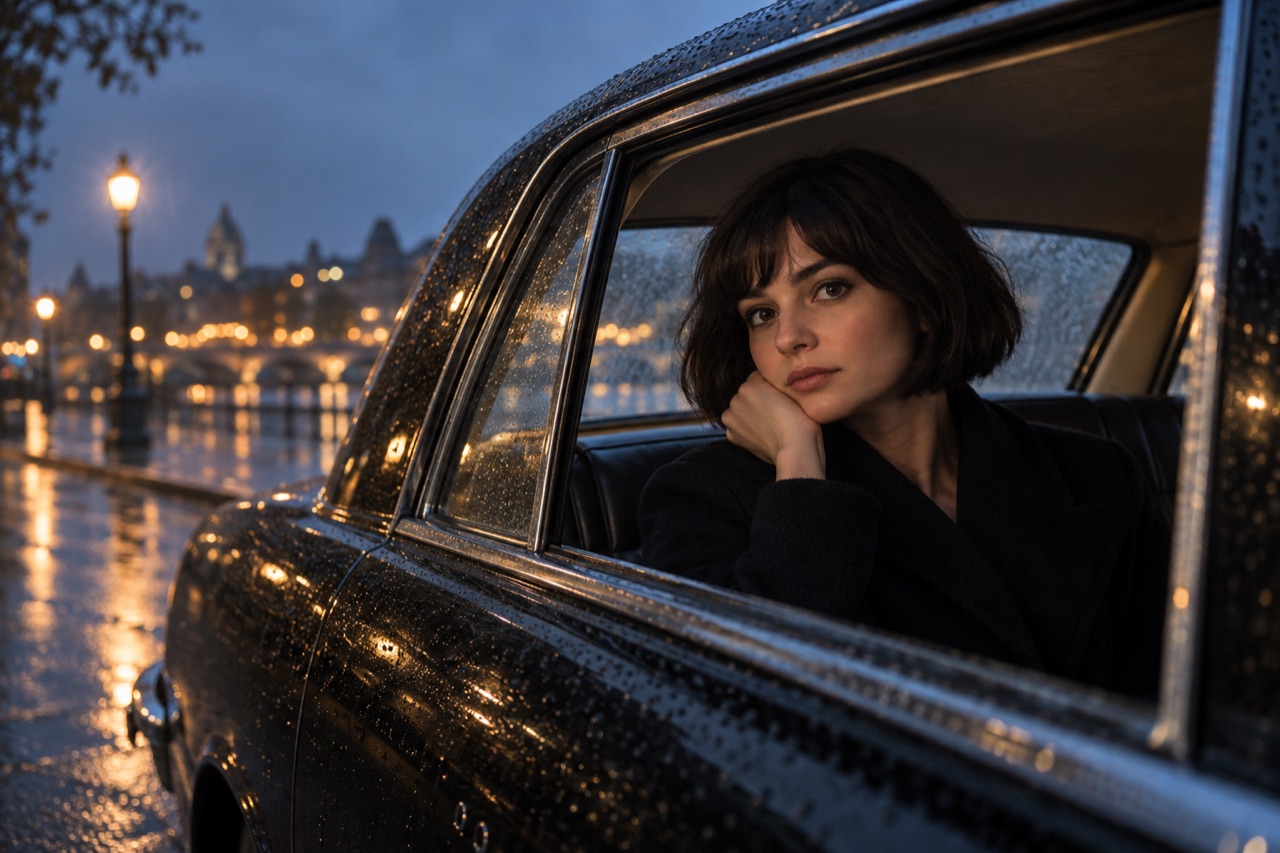
Trends can change without an app update. Each scene tells you what to add: one portrait, several ordered face references, or a source video.
Browse current photo and video templates, then watch the available preview before you choose.
When a scene needs more than one person, add the requested photos in the shown order.
Review the result in your private library, then save or share it from your device.
Upload a clip, add up to eight photos in order, and describe which person should appear where. The video remains your starting point.
How the creation flow works ↗For the moments you imagine yourself in, and the ones you want to reimagine.
Creation and purchases are not yet enabled for public use.